Start the trial
Open Ad Radar and click Start my free 7-day trial. If you pay for a CapiTracker plan it shows Included instead.
 All guides
Ad Radar shows, on every ad in the Meta Ad Library, how long it has run, how many copies the advertiser made, the campaign goal and the hook. So you see what already sells before you make content.
Open Ad Radar and click Start my free 7-day trial. If you pay for a CapiTracker plan it shows Included instead.
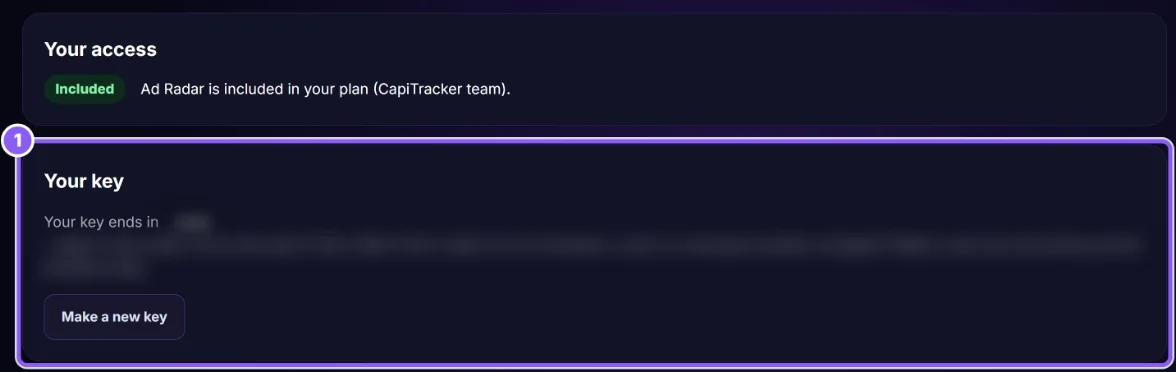
Under Your key click Copy key (1). The full key is shown only once. One key works in up to 2 browsers.
Click Download Ad Radar and unzip it into a folder you keep. In Chrome open chrome://extensions, turn on Developer mode (top right), click Load unpacked and choose the unzipped folder.
Click the Ad Radar icon in the Chrome toolbar, click Enter key and paste it.
Click Subscribe monthly ($5) or Subscribe yearly ($48, 2 months free). Payment is on Stripe. In the extension press Check again. Have a promo code? Use Apply code.
On Ad Radar click to make a new key and paste it in the browsers you use. The old key and its browsers stop.
You made a new key, or your trial or subscription ended. Make a new key on capitracker.com/ad-radar, or subscribe.
No. It reads only the Meta Ad Library pages you open. It only checks your key with capitracker.com.
Click Manage my Ad Radar billing on the Ad Radar page.