Pick the store
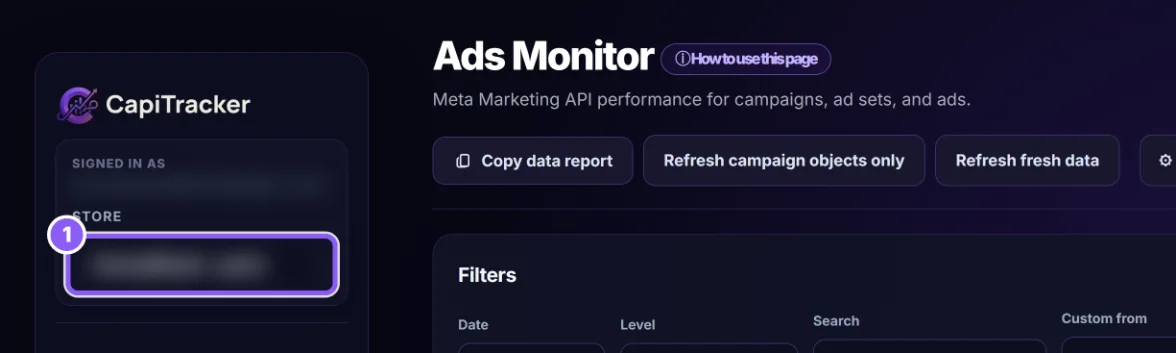
If you have more than one store, choose it in the store switch at the top (1). The page shows one store at a time.
 All guides
The Ads Dashboard (its page title says Ads Monitor) puts two kinds of numbers side by side: what Meta reports, and what really happened in your store. It only reads data. Nothing on this page changes your ads or budgets.
If you have more than one store, choose it in the store switch at the top (1). The page shows one store at a time.
Date (2) has Today, Yesterday, Last 3 days, Last 7 days, Last 14 days, Month-to-date, 1 Month and Maximum. For any other range fill Custom from and Custom to and click Apply. Picking a preset clears the custom dates.
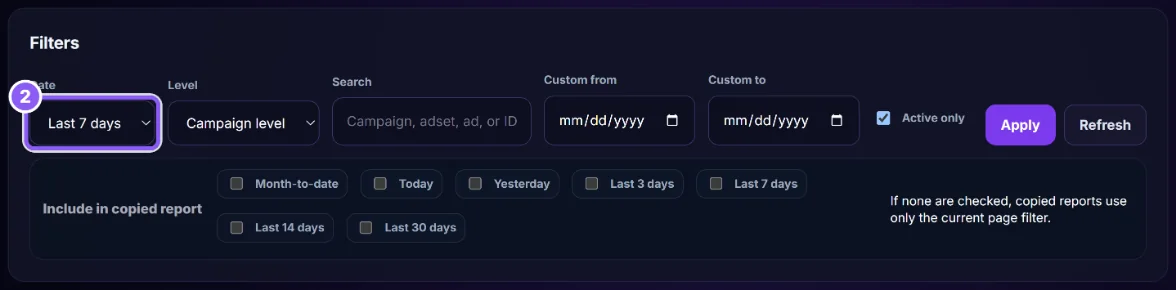
Level: Campaign level, Ad set level or Ad level. Ad level shows the most columns: the ad picture, profit per order, break-even CPA and how old the ad is.
Search finds a campaign, ad set or ad by name or ID. Tick Active only to hide paused and finished ones. Then click Apply.
Refresh reloads the report with fresh data from Meta, with the same filters. Meta limits how often data can be read, so don’t click it again and again; if you see a rate-limit message, wait a few minutes.
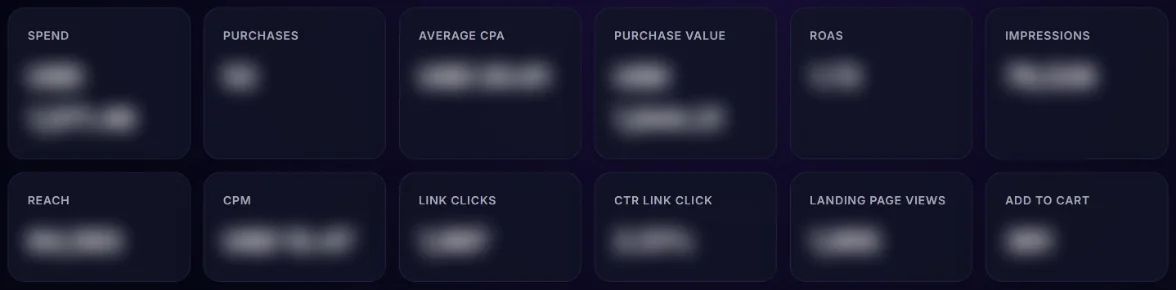
The cards at the top add up the whole report: Spend, Purchases, Average CPA, Purchase value, ROAS, Impressions, Reach, CPM, Link clicks, CTR, Landing page views and Add to cart. These are Meta’s numbers.
When your store orders and product costs are connected, the Store Total Profit box shows the real money for the same dates: store orders, revenue, product cost, profit, total Meta spend and Profit after Meta spend. This is the number that pays your bills.
One row per campaign, ad set or ad. Scroll sideways for more columns. A highlighted row has a warning: read its Data Quality & Warnings column first. At ad level, the boxes above the table show the best ad by ROAS, the best by CPA, and the ad that spent most with 0 purchases.

At campaign or ad set level each campaign has two buttons: View opens its full text report under the row (Close hides it), and Copy data report copies that report. The Copy data report button at the top copies the whole page. Under Include in copied report you can tick extra periods (Today, Yesterday, Last 7 days and more) to add to the copy. Paste it into ChatGPT or Claude, or send it to your media buyer.
A coloured message at the top tells you what is wrong and links to the fix: missing Meta permission or token (Update business Meta settings), Meta rate limit (wait, then Refresh), or campaigns not linked to a product (Link products now, see Campaign Product Mapping).
Meta counts with its own attribution (clicks and views within its window) and can model purchases it did not see. Real orders are the orders in your store that carry the ad’s ID. Cash-on-delivery orders that are refused later still count for Meta. Judge ads on real orders and profit; use Meta’s numbers for early signals like CTR and cost per click.
Use Real CPA against your Break-even CPA, only on rows that say Decision ready. A Real CPA well below break-even with several orders is a candidate to scale slowly; a Real CPA above break-even after enough spend is a candidate to fix or pause. Small numbers (1 to 3 orders) can be luck; see Why Not Credited for how big a difference must be.
No. It only reads Meta. Make changes in Meta Ads Manager.
Click Update business Meta settings and add the ad reports token. The System User token guide shows how.