1. Create a supply
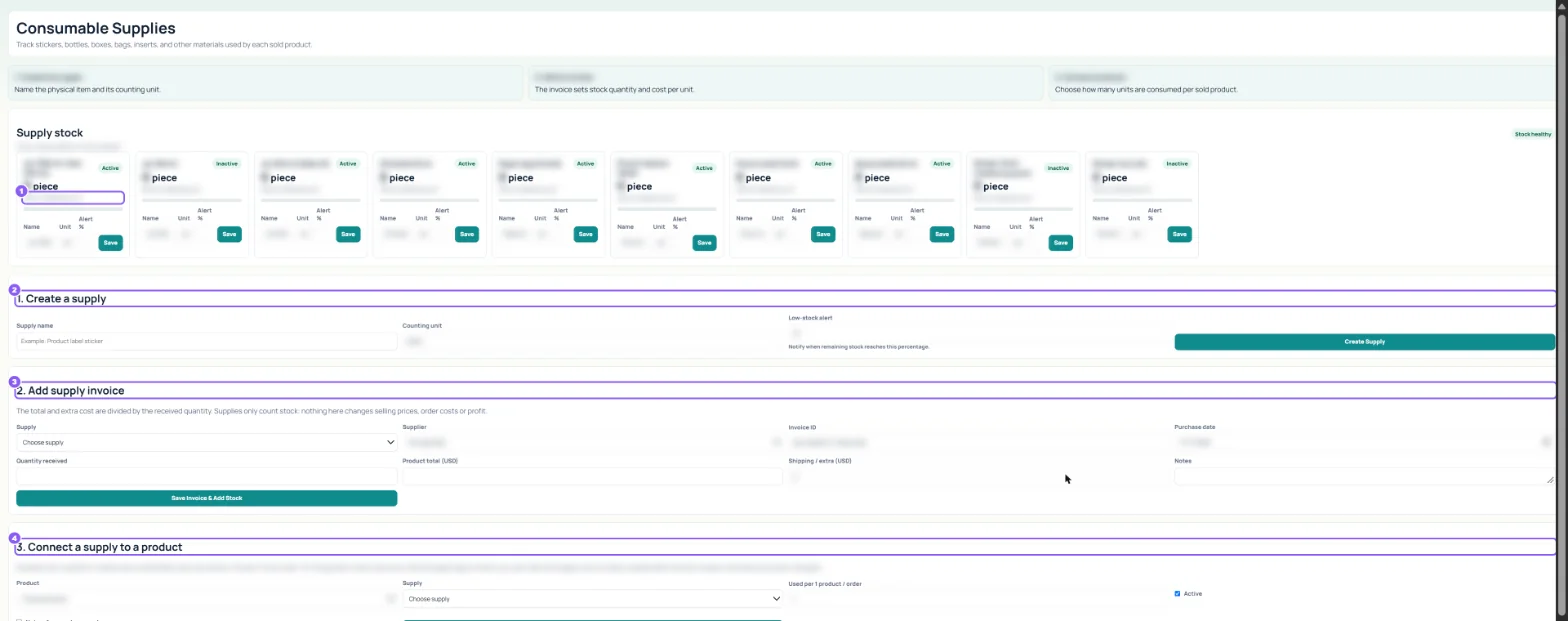
Type the Supply name, the Counting unit and the Low-stock alert percentage, then click Create Supply.
 All guides
Supplies counts the materials you use to pack: stickers, bottles, boxes, bags, inserts. It only counts stock and warns you; it does not change prices, order costs or profit.
Type the Supply name, the Counting unit and the Low-stock alert percentage, then click Create Supply.
Choose the Supply, the Supplier, Quantity received, Product total and Shipping / extra, then click Save Invoice & Add Stock.
Pick the Product (or Every order for things each order uses once, like a bag or a thank-you card) and how many are Used per 1 product / order. Click Save Product Link. Every sale then takes that many off.