Copy your link
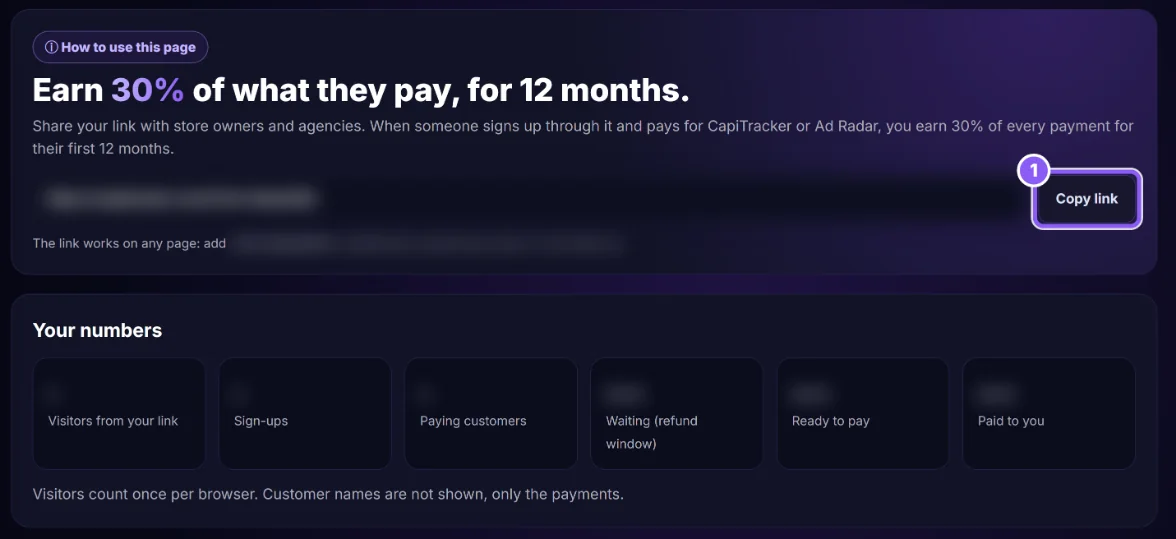
Open Earn 30% (affiliate) and click Copy link (1). It works on any page: add ?ref= and your code to any capitracker.com link.
 All guides
Every CapiTracker account has an affiliate link. When someone signs up through it and pays for CapiTracker or Ad Radar, you earn 30% of each payment for their first 12 months.
Open Earn 30% (affiliate) and click Copy link (1). It works on any page: add ?ref= and your code to any capitracker.com link.
Send it to store owners and agencies, or put it in your posts and videos.
Under Where should we pay you? write your bank details (name on the account, IBAN, bank name, country) or your Whish number, and click Save. Never a card number.
Your numbers and the Commissions list show what you earned and when it can be paid.
60 days in their browser. The first link they opened wins.
Your own sign-ups, your own stores, people from your own company, and refunded payments.
By bank transfer or Whish, once a month, when you have at least $50 ready.