Chat with us
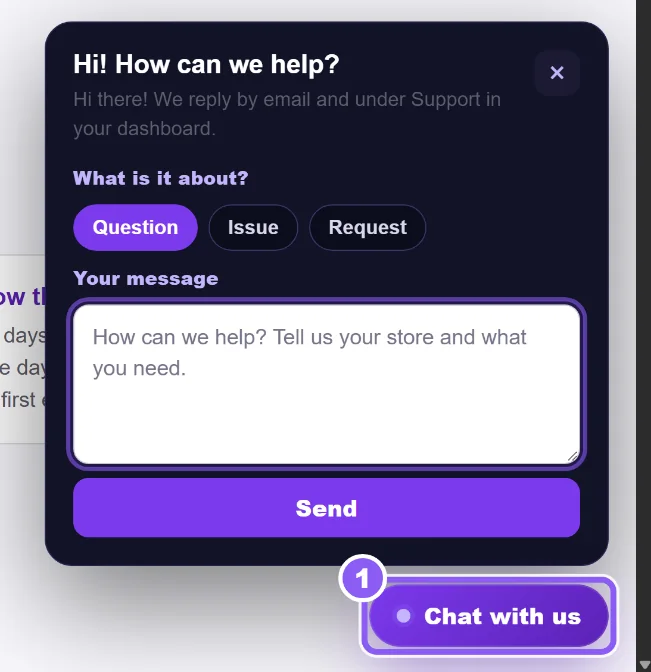
Click Chat with us (1). Choose What is it about?, write your message and send. Logged out? Add your email so we can reply.
 All guides
We reply by email and on the Support page, usually within a few hours.
Click Chat with us (1). Choose What is it about?, write your message and send. Logged out? Add your email so we can reply.
Open Support. Under New ticket choose the type (Question, Issue or Request), the Store, an optional Subject, your Message, then Send.
The list below shows every ticket with its status. Click one to read our reply and answer with Send reply.