Find a booking
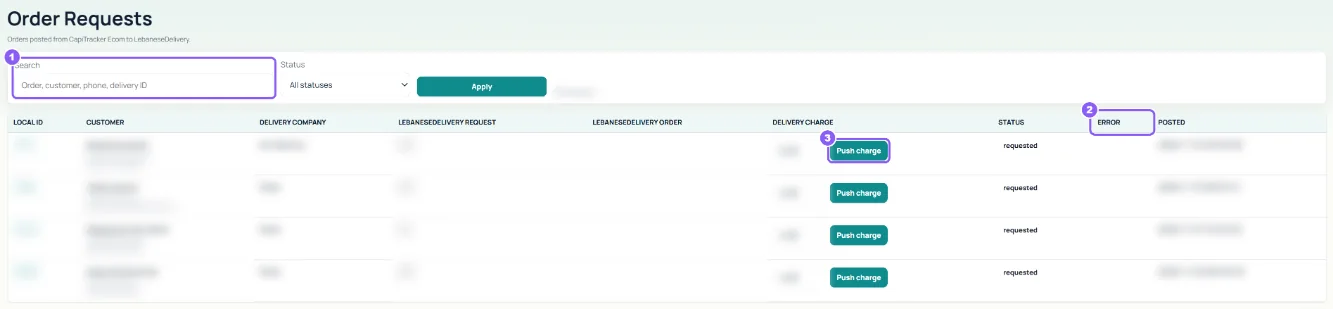
Search by order, customer, phone or delivery ID, pick a Status and click Apply.
 All guides
When a delivery company in Settings has Post to LebaneseDelivery turned on, packing an order books it with that platform automatically. Order Requests shows every booking and its result.
Search by order, customer, phone or delivery ID, pick a Status and click Apply.
Read the Error column. Most errors come from a wrong or missing API key: check the company in Settings, then use Resend on the Orders page.
Store owners see Push charge: it sends the order's delivery charge to the delivery platform when it was changed after booking.